
Can you not mirror your Samsung phone’s screen to your Sony Bravia TV because it doesn’t appear on the list of devices – even if it used to?
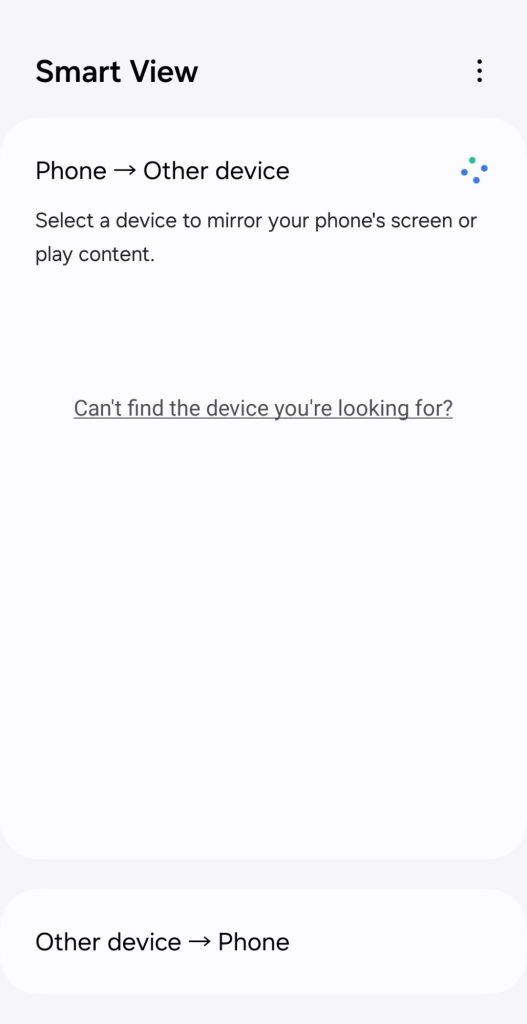
You’ve clicked “Can’t find the device you’re looking for?” and followed the instructions but your Sony Bravia TV doesn’t appear in the list of devices even after restarting both your TV and phone and ensuring both devices are on the same WiFi network.
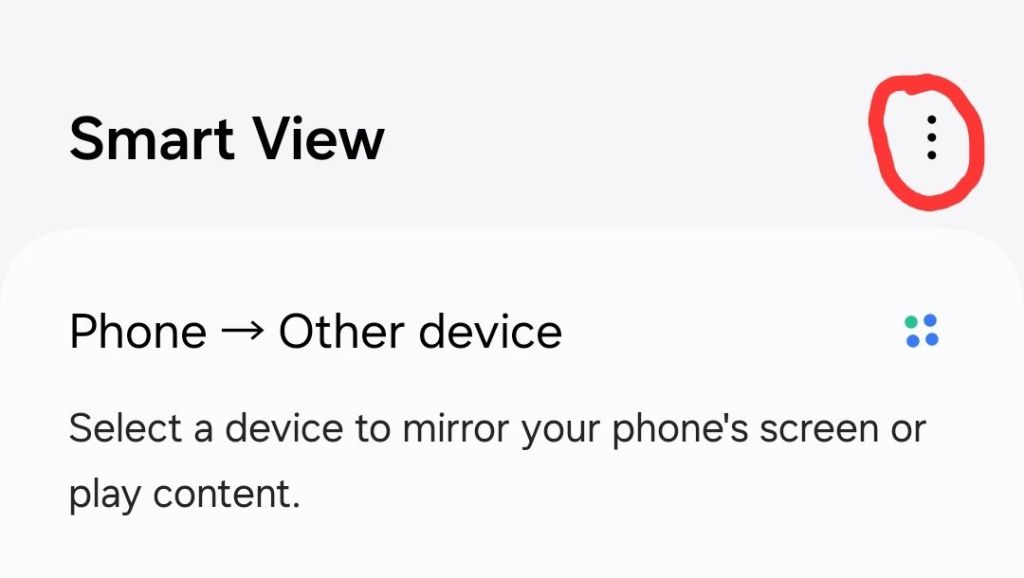
Well, here’s a quick fix that worked for me! Just click the 3 dots top right:
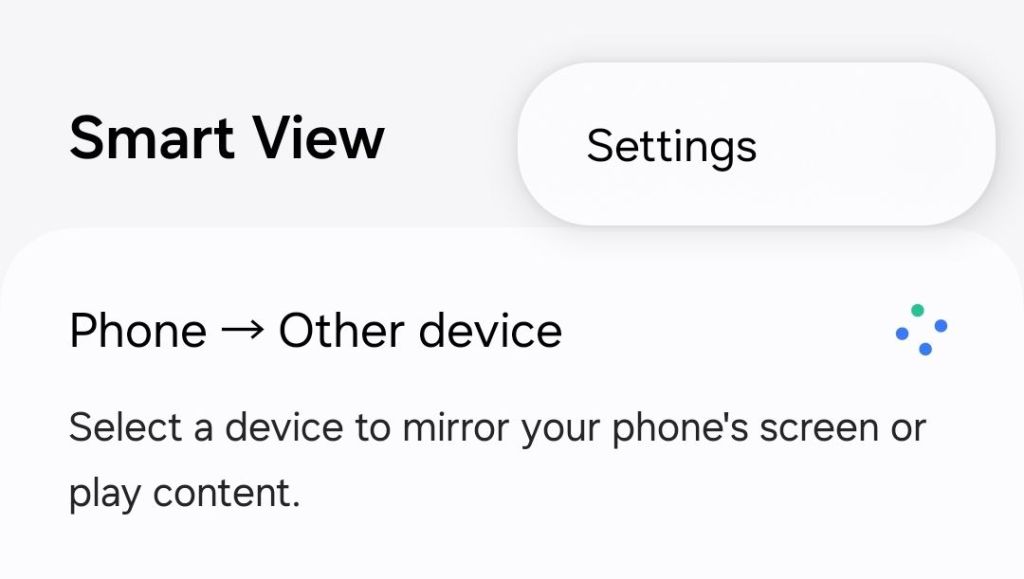
And then Settings > Labs > Chromecast support:
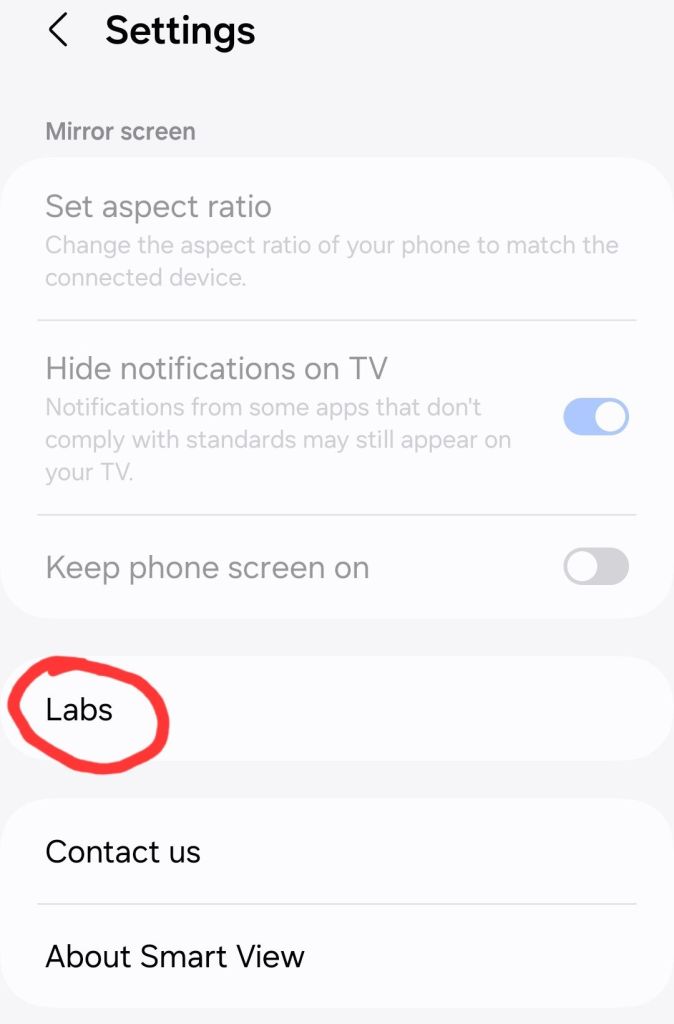
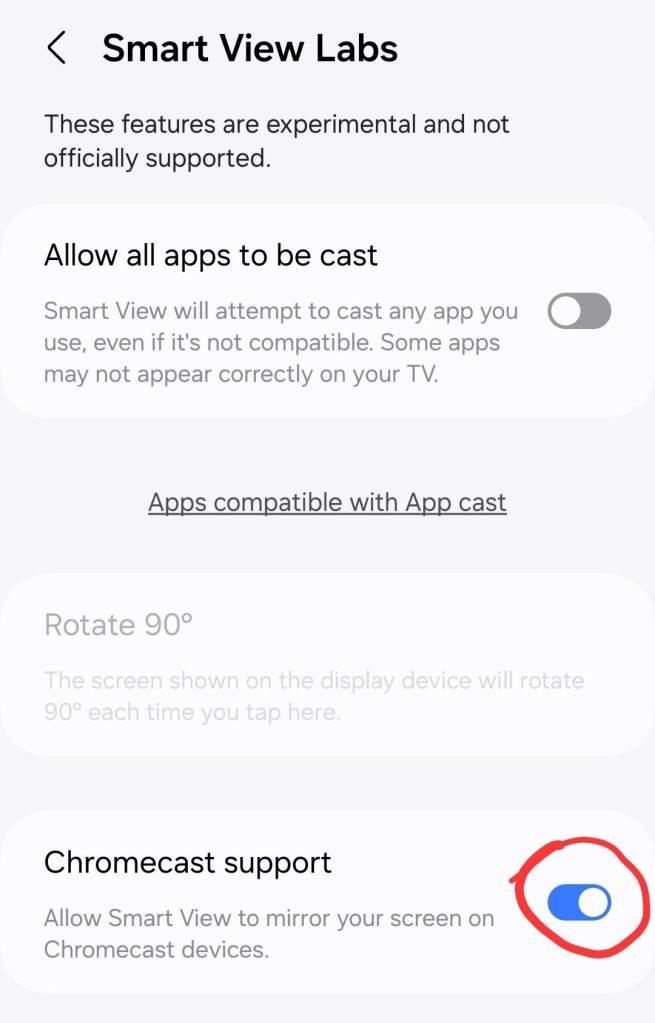
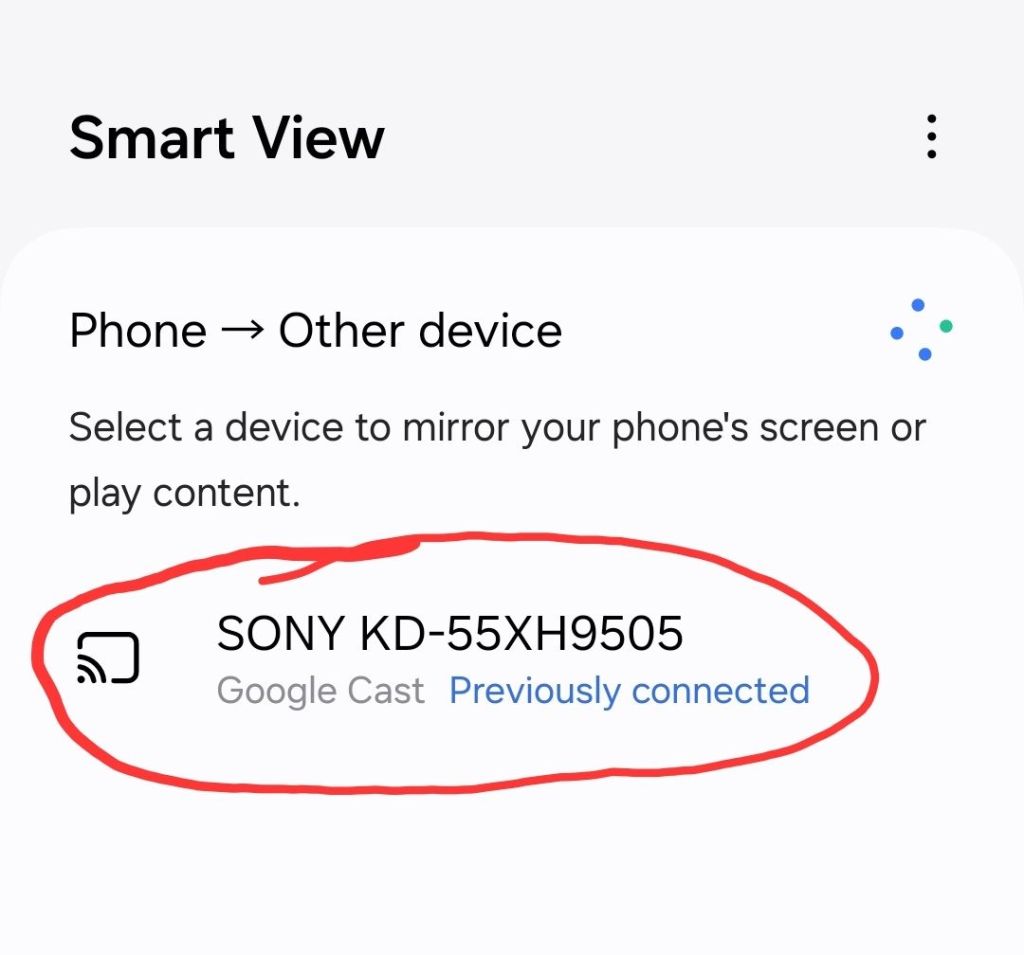
Turn Chromecast support on (slide the button right) and voila! Go back and your Sony Bravia TV will appear in the list for streaming your screen, photos and videos too.
Good luck and if you got value please subscribe!
 GI Chow