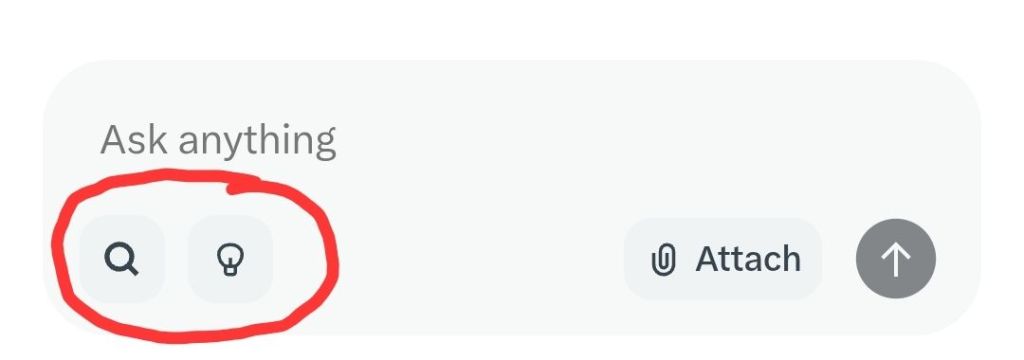
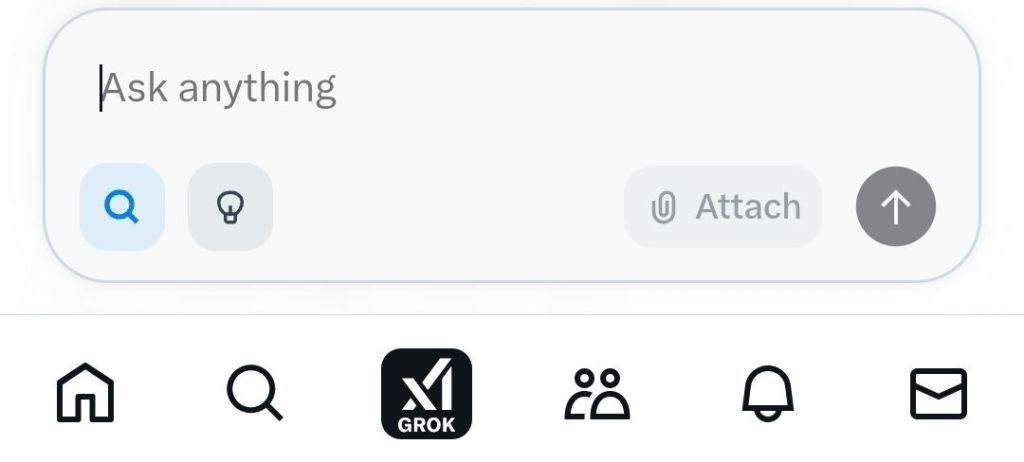
If you’re wondering what difference toggling the two icon buttons in the Grok 3 beta search box makes, it’s actually explained at the top of the Grok interface when creating a new conversation however it’s not obvious and their meaning is not shown thereafter.
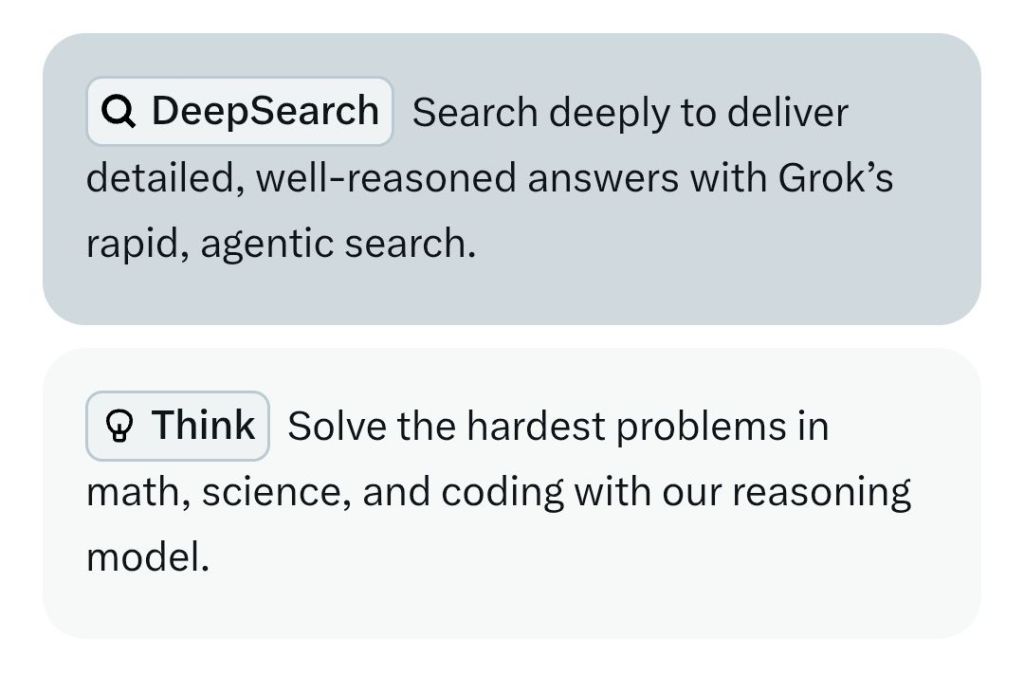
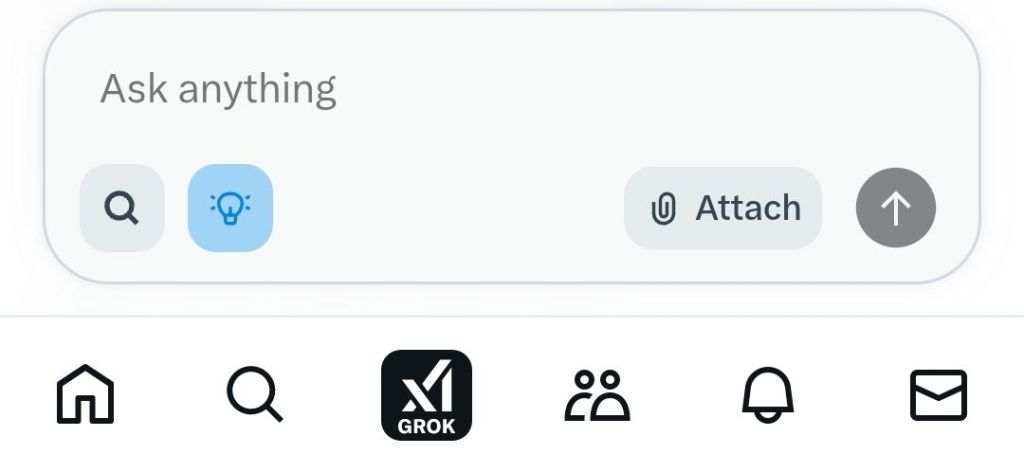
Touching the light bulb means Grok uses and shows a train of thought as it processes the text you enter in the input box which mode of operation lends itself to questions and problems whose resolution require a sequence of reasoning steps like mathematical solutions.
Touching the magnifying glass means Grok performs deeper ‘agentic’ (think ‘agency’ i.e. having the power to take action) real-time web search and step-by-step research as part of processing your input to deliver more up-to-date nuanced answers.
It looks like you can toggle either one or the other or neither – in which case it still seems to search current web sources as well as those it’s been trained on.
Hope this helps – check out and subscribe to my YouTube channel for more tech and wellbeing content.
 GI Chow