
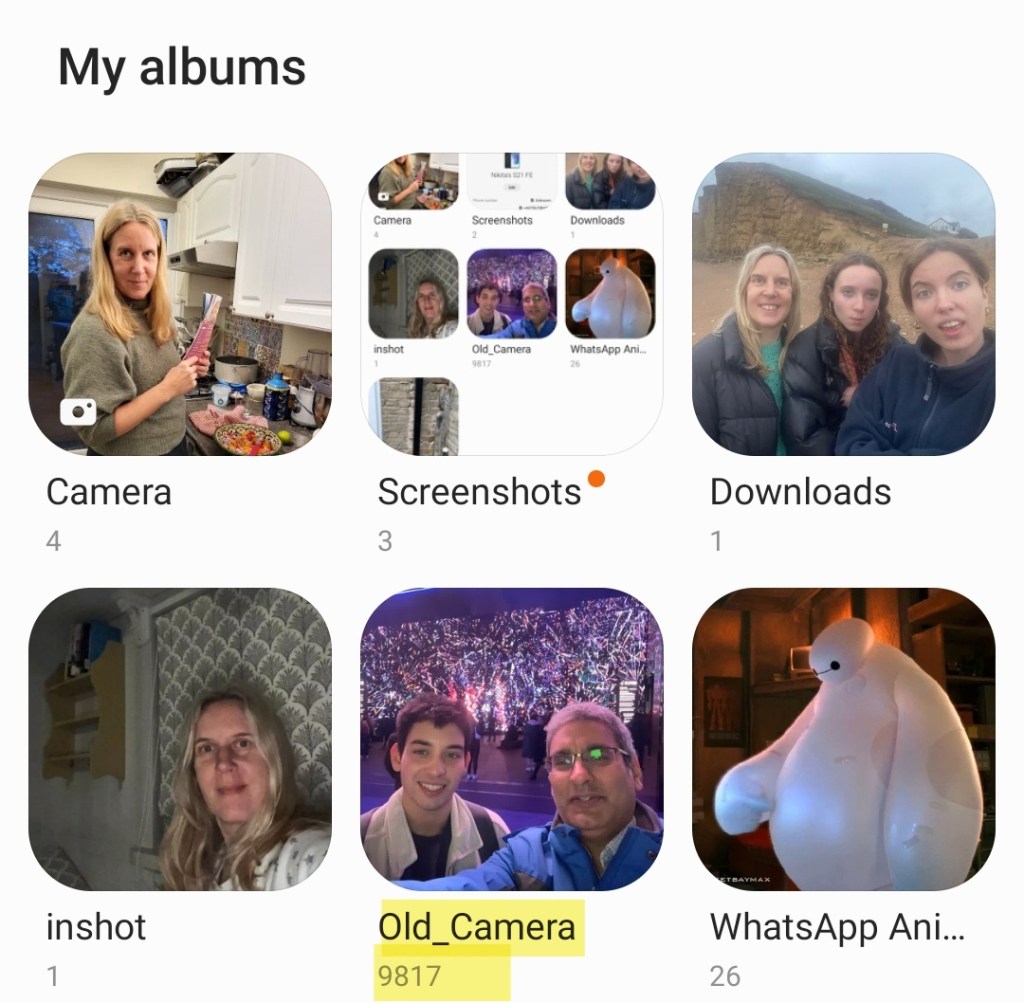
Having recently upgraded to a new phone (Samsung S21 FE 5G 128GB) I wanted to transfer around 10,000 photos (30 GB) from my old phone to it.
My old phone had completely died and wouldn’t even turn on but my photos were happily safe on a micro SD card – a removable storage medium that the latest Samsung S series premium phones unfortunately no longer support.
I put the micro SD card into a a full size SD card adapter and then into a SD card reader which I plugged into my laptop’s USB 3 port and could see the photos on the card.
At the same time I plugged my new phone, via a USB C to USB A cable, into the laptop and could see the phone’s internal storage, where I had previously created a new folder (using the phone’s Files app) to transfer the files into.
As an aside, I created that new folder from the phone itself rather than from Windows File Explorer since when doing it the other way round I couldn’t see the newly created directory from the phone!
Unfortunately, when selecting the files in Windows (I sorted them in Windows File Explorer by file type and then picked just .jpg rather than the even more space hungry video files) and copy pasting them over to the Android folder the transfer was taking forever! The estimated time started at 2 hours and increased to over 6 hours.
It took so long that the connection to the phone dropped and the copy only got part way through, meaning I had to see how far through the copy had got, select the remaining files on my laptop and start the copy process again.
I did this a few times over a couple of hours before deciding to search for another more reliable approach!
There are numerous reports on forums and Q&A sites of this issue, like
https://xdaforums.com/t/slow-data-transfer-speed.4551933/
with either no solution or just a suggestion that the slowness is due to limitations of the USB port or USB cable or file storage device or the file transfer protocol.
Files, typically 1 to 3 MB in size, were taking around 3 seconds each to copy over so transfer speed was around 40MB per minute or 2 GB per hour, far below the theoretical speed of the USB port and cable – even for USB 2 this is 70 GB per hour (and 4x that for USB 3).
With 30 GB of files, we were looking at around 15 hours! ..and that’s without the connection to the phone being lost, which was happening consistently around an hour into copying and therefore requiring my manual monitoring.
I noticed that some much larger 30 MB panoramic photo files were taking not much longer to copy than the much smaller typical 2 MB photo files, indicating a potential throughput of 10MB per second (600MB per minute) which was much more like it!
This confirmed that my USB cable’s throughput, which I was beginning to suspect (even though I had previously copied files the other way round, from my old phone to laptop, in reasonable time frames) was not the limiting factor, but rather something was happening that was related to the sheer number of files.
Maybe each file was being virus scanned by the phone or the file allocation table in the phone or indexing or integrity checking was the bottleneck but, whatever the reason, transferring via a zip file seemed a potential solution to reduce the number of individual files needing to be copied to the phone.
As it turned out zipping the files and transferring the zip file turned out to be exponentially faster – though there were a few gotchas!
Zipping around 1000 files into a 5 GB zip file took 10 minutes (it would have been much faster had I not run several zips of photos from different years at the same time) and then it took just 5 minutes to transfer the zip to the phone against the hour plus it would have taken to transfer them as as individual files.
So the last hurdle was unzipping them on the phone.
I tried the “Files By Google” app however this gave a disheartening error when trying to extract the files from the zip, making me think all was lost.
I googled the failure and came across the ZArchiver Android app which happily came to the rescue and was quickly and successfully able to extract all the files from the zip in around a minute.
So, say 15 minutes in total to zip, transfer and unzip 1000 files rather than the hour it was previously taking, a 4x speed increase in transferring multiple small files!
In fact I copied over the remaining 20 GB of files I had left to transfer in around half an hour rather than the 10 hours it would have taken so a 20x transfer speed increase.
Other options for transferring files from PC to phone include wireless ones like
- uploading to a Cloud file storage service like Google Drive or OneDrive – if you don’t have enough storage free you can upload in batches
- using file sharing apps like Google’s own Nearby Share – which uses WiFi and Bluetooth but requires installing and configuring software.
You can find out more at
https://support.google.com/android/answer/9064445?hl=en
Hope this helps, and if you got value do check out my YouTube channel, which focuses on high value tech and wellbeing. Bye for now!
 GI Chow