
This article is now available as a short 50 second video so you can simply start there and watch the steps more clearly instead of reading this!
If you’re seeing the email notification icon constantly at the top of your phone, it can be quite distracting since it seems like one has emails even when one doesn’t.

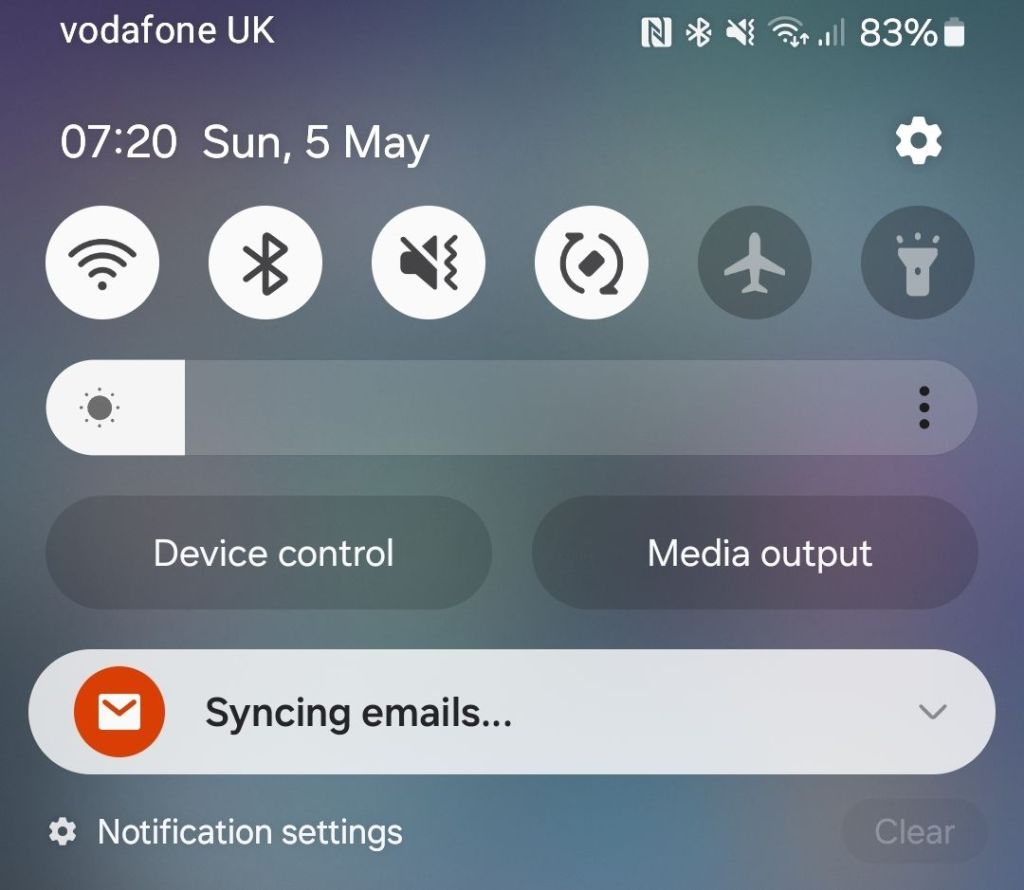
I got this notification on my Samsung S21FE phone this morning, 5th May 2024, and swiping down one can see that the reason for it is “syncing emails” rather than a new email having arrived but how does one fix this? Googling, there is a Samsung Community forum thread with some feedback on the issue however you need to be signed in with a Samsung account to reply.
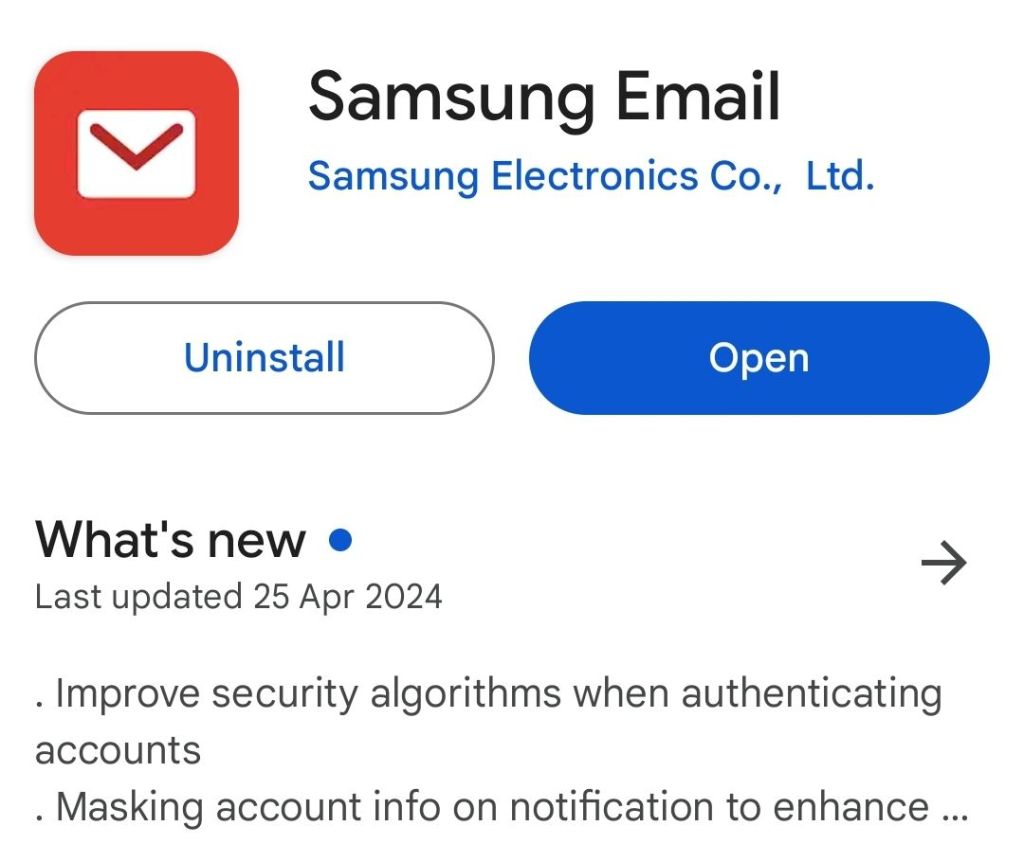
One of the posts says reinstalling fixes the issue but going through the hassle of reinstalling the “Samsung Email” app (white envelope on red background) and adding in all one’s email accounts and sync schedules made no difference whatsoever.
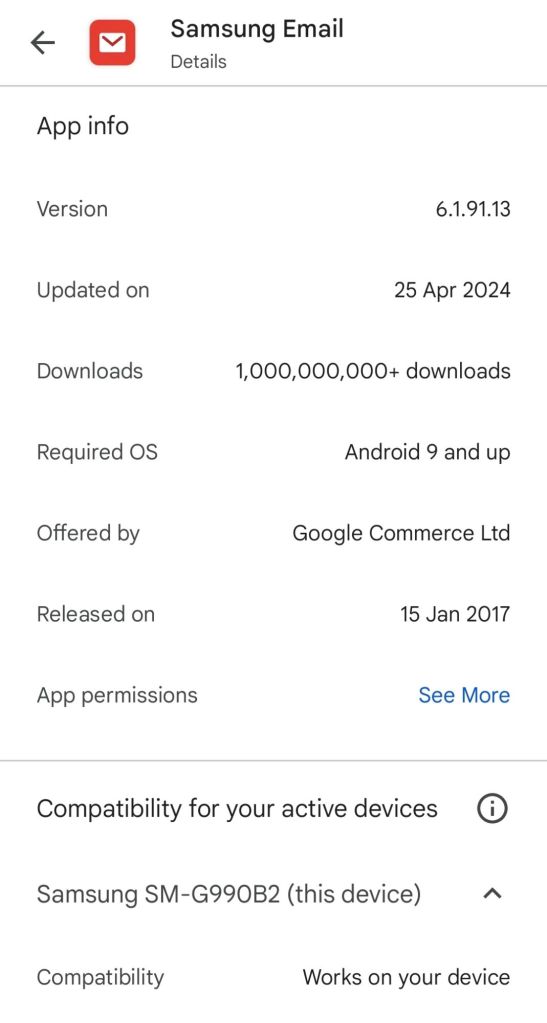
I now have the latest version installed (6.1.91.13 from 25th April 2024) but the problem remains.
So… Samsung please look at this. Or if you have a fix please leave a comment below – which doesn’t require any sign in.
Update 5/5/2024: I swiped right on the “Syncing emails…” notification and it has disappeared – let’s hope for good! 🤞
Whether one had to first manually uninstall and reinstall the app for that swipe notification removal to work I don’t know so give it a go to begin with – and leave a comment here or against the YouTube video (which has several already) if you have the answer.
Update 8/5/2024: It looks like mail is syncing OK based on the last synced dates shown:
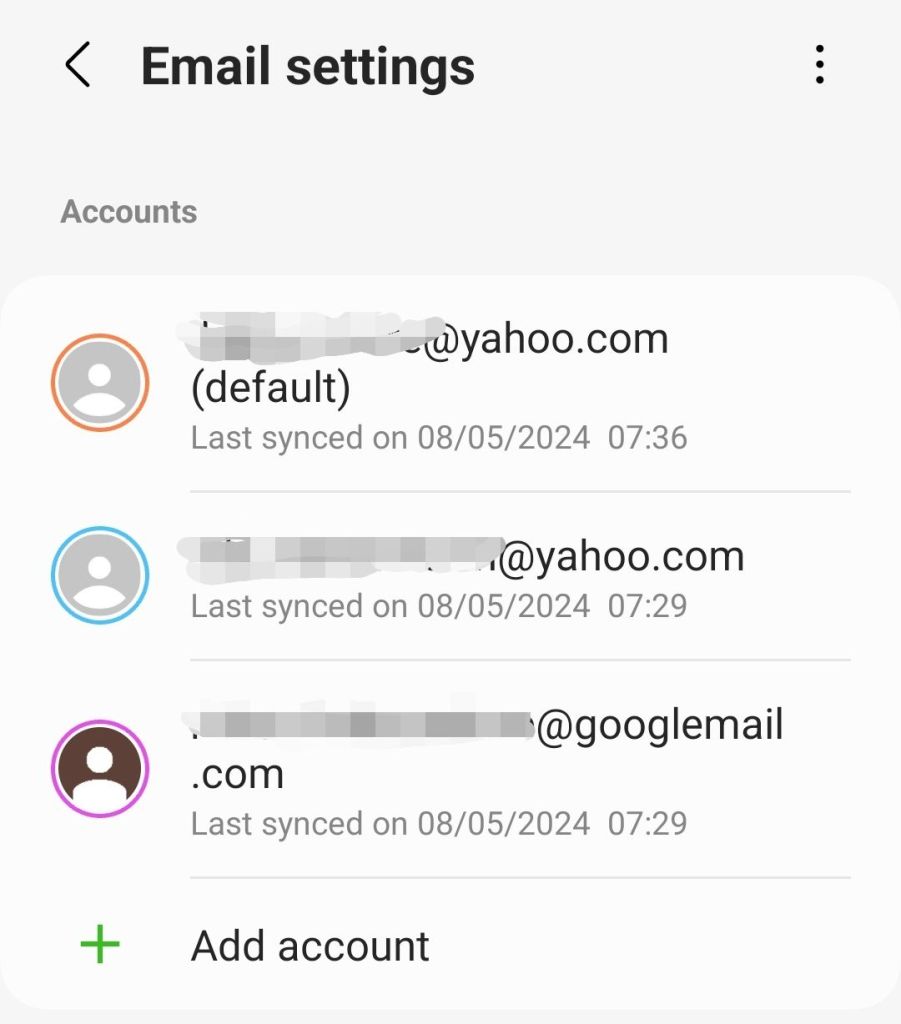
(To get to this go into Samsung Email, click the waffle top left > cog top right)
While I can see new emails when opening the Samsung Email App, (a) I don’t always see an envelope notification when new emails arrive and (b) the “Syncing emails…” notification still appears and remains (until swiping) after restarting my phone so it looks like there is still a Samsung issue that needs fixing.
 GI Chow