
I didn’t think it was possible to use the Shazam app on my phone to Shazam music that was playing on the same phone however it turns out you can do this, for example to Shazam music playing in an app or post on Instagram, TikTok, Twitter/X, etc.
To do this, you need to change the Shazam app’s settings as shown in the steps and screenshots below:
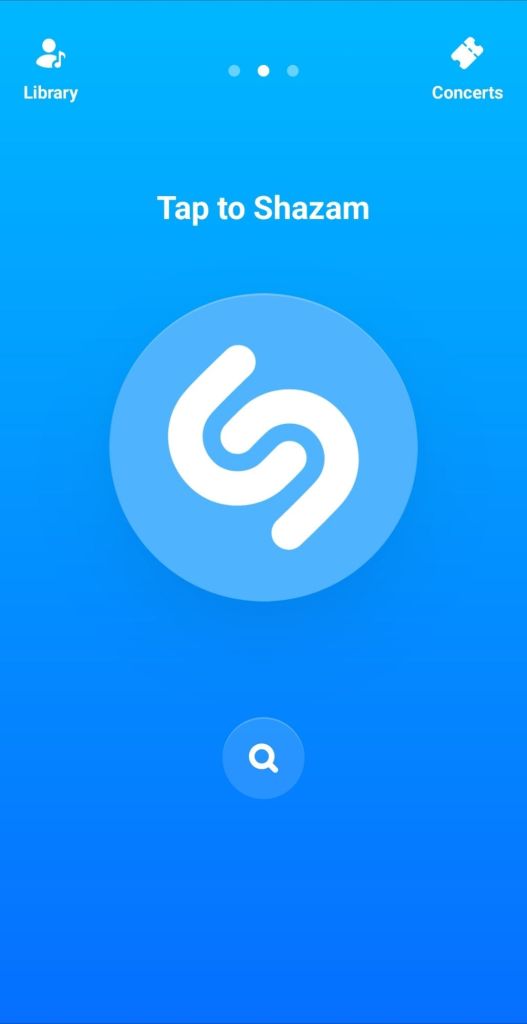
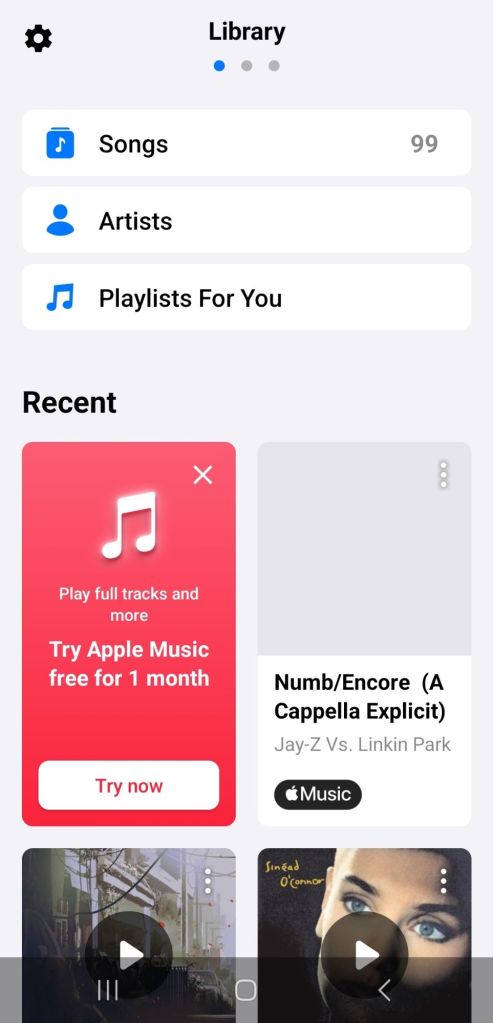
- Open Shazam and swipe right (drag your finger left to right) so you see the cog symbol top left
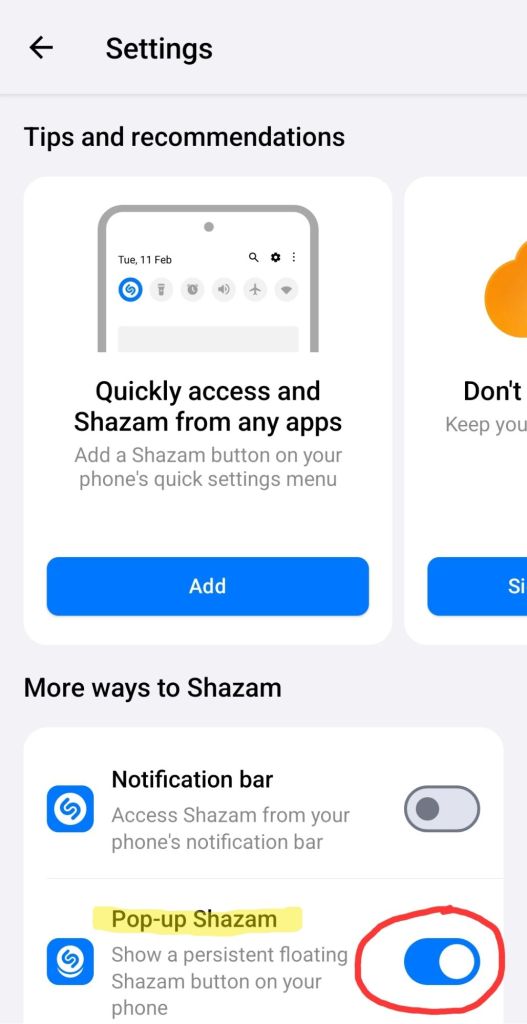
- Click the cog, scroll down to “Pop-up Shazam” and slide the toggle right to turn it on
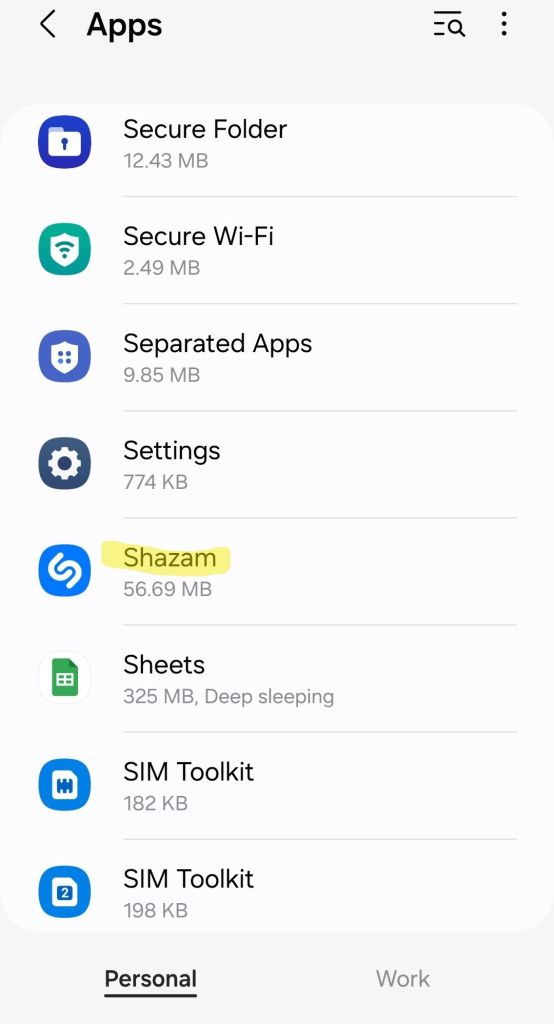
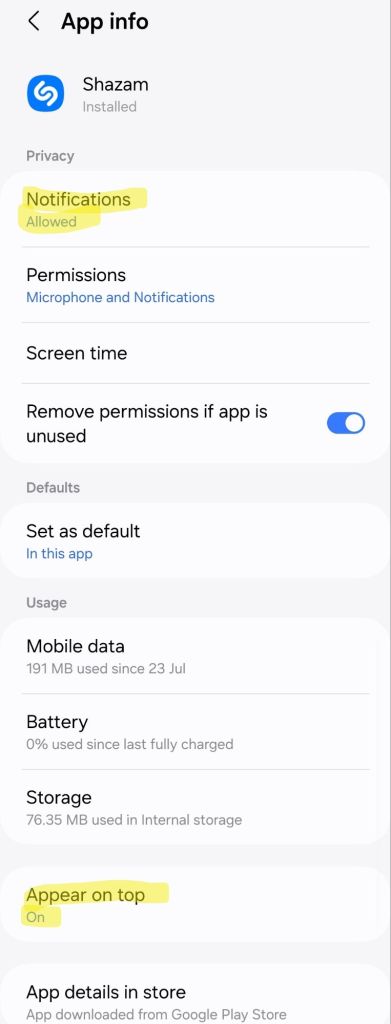
- Change your phone’s Shazam app permissions to allow the permissions Shazam needs: “Notifications” and “Appear on top”.

That’s it, you’re done!
To shazam something playing on your phone:
- Open Shazam as normal
- Press the button to Shazam (if you’ve previously changed your Shazam settings to “Shazam on app start” no need to do this step)
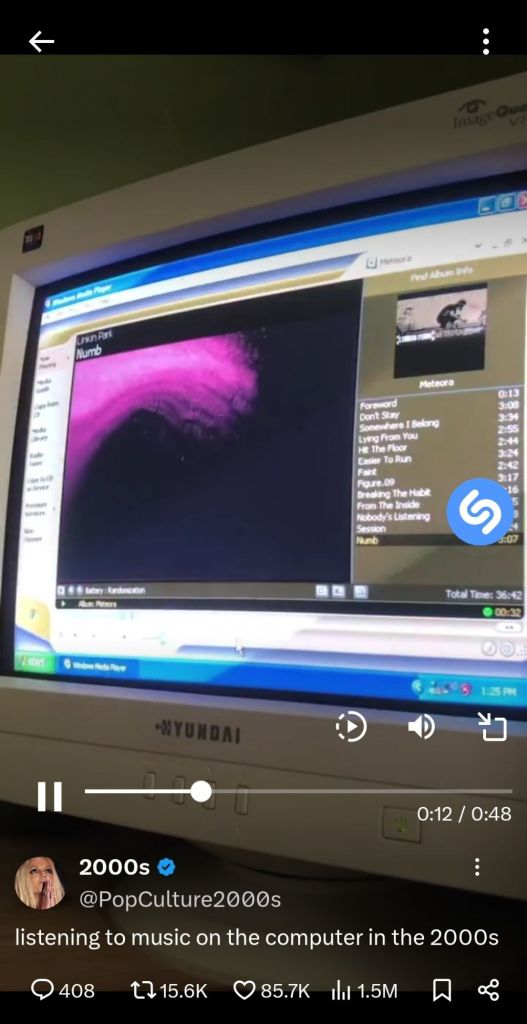
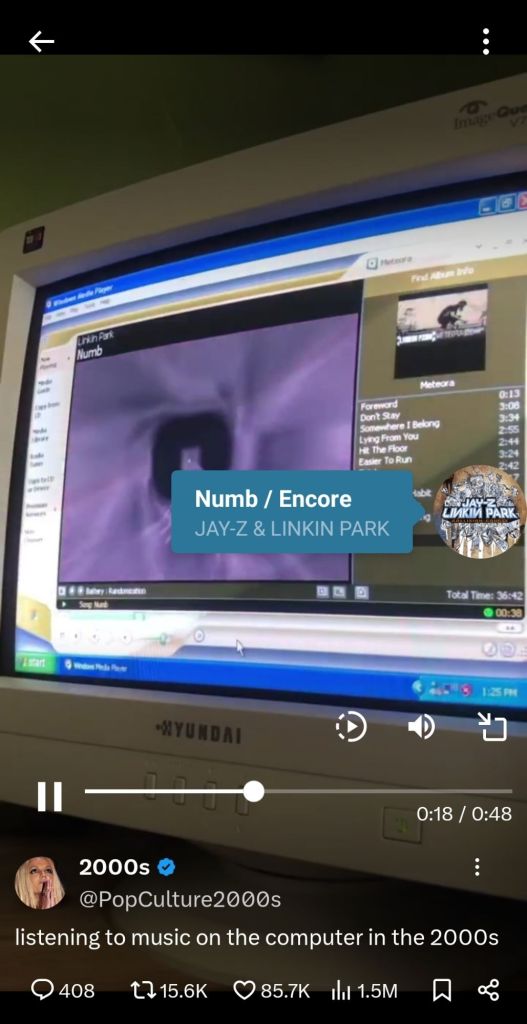
- Switch to the app (Twitter (X), Instagram, TikTok, etc.) where the music was and play it.
A blue Shazam button will appear ‘listening’ (pulsing) and eventually show the track – you may need to start Shazam again, go back to your app where the music is playing, and then press the overlaid Shazam button again if it doesn’t work the first time.
Hope this helps – and if you got value please consider subscribing to my YouTube channel 🙏
 GI Chow